QR codes on business cards: the guide to getting it right
A QR code on a business card lets the other person save your contact details without copying anything. It still needs to be readable, lead to the right place and still work in three years. Here are the rules to know before printing.
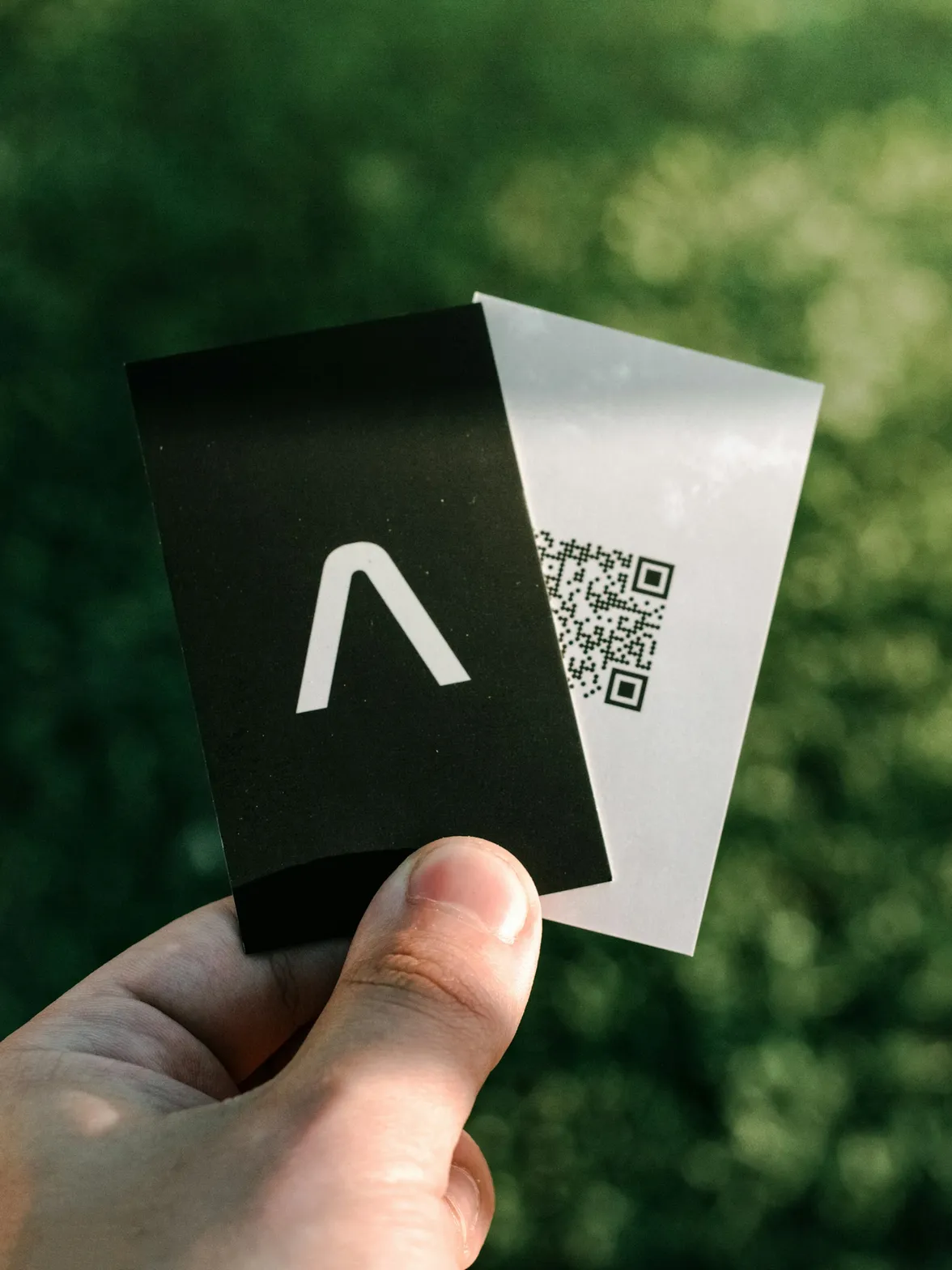
Adding a QR code to a business card has become second nature. The idea is excellent: instead of copying a number by hand, the other person points their phone's camera and saves your contact details in a few seconds. Recent smartphones, iPhone and Android alike, read QR codes directly from the camera, without an app.
But a poorly thought-out QR code does more harm than good: unreadable, it's irritating; dead, it makes the company look careless. Here is how to get it right.
What to put behind the business card's QR code
This is the most important decision, and it comes before any design choice. There are three options.
A vCard encoded in the QR code
The QR code directly contains your contact details in vCard format. When scanned, the phone offers to create the contact.
- Advantage: works without an internet connection.
- Limits: the more information there is, the denser the code and the harder it is to read at a small size. Above all, it is frozen: a change of number or job title makes all the printed cards wrong.
A link to a profile page
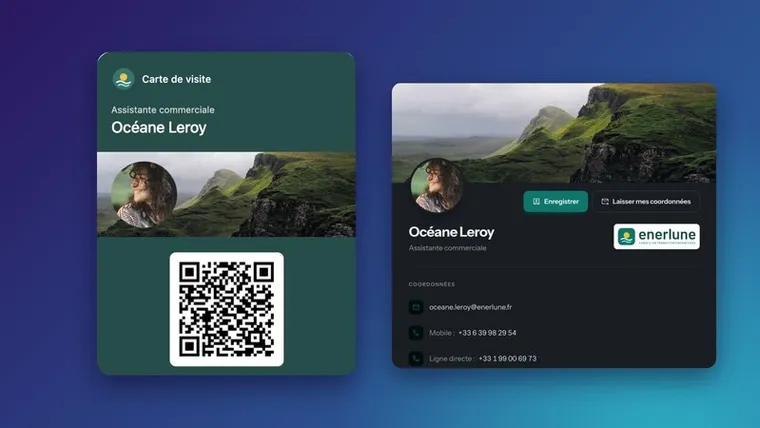
The QR code contains a simple web address, which opens your digital business card: contact details, a button to save the contact, links, social networks.
- Advantages: the code stays simple and readable; the page's content updates without reprinting; views can be measured.
- Limit: scanning requires an internet connection, which is rarely a problem today.
A link to the company website
This is the least useful choice. The other person wanted your contact details, not the website's home page. Keep this link for other materials.
In the vast majority of cases, the link to a profile page is the best choice, on one condition: that the address of this page never changes.
The trap of “dynamic” QR codes from free generators
Many online generators offer so-called dynamic QR codes: the code points to an address belonging to the generator, which then redirects to your page. Handy for changing the destination, but risky: if the subscription stops, if the service shuts down or changes its terms, all the printed codes stop working, or display an advertising page.
So before printing, check:
- Which address the code really leads to: scan it and look at the domain displayed.
- Who controls that address: your company or your business card tool, rather than a third-party service.
- What happens at the end of a subscription: does the code keep working?
Readability rules
Size
In practice, a QR code of at least 2 cm (about 0.8 in) per side is often recommended on a business card. The more information the code contains, the larger it must be: one more reason to prefer a short link to a full vCard.
White margin
A QR code needs an empty area around it, called the quiet zone, which the standard sets at a width of four modules (the small squares that make it up). Don't place it right against the edge of the card or against text.
Contrast
Dark on a light background, always. A light code on a dark background, or in a pale color, is poorly read by some phones. A code in brand colors works if it stays very dark on a very light background.
Error correction level
QR codes include error correction that lets them be read even when partially damaged or covered, at four levels (L, M, Q, H). If you add a logo in the center of the code, choose a high level and test.
Material
Very glossy paper can create reflections that interfere with reading. Matte or satin paper is safer.
Where to place the QR code
- On the back, if you want to keep a clean front: this is the most common solution.
- On the front, next to the contact details, if digital exchange is central to your line of work.
- With a short prompt: “Scan to save my contact”. A QR code without explanation is scanned less.
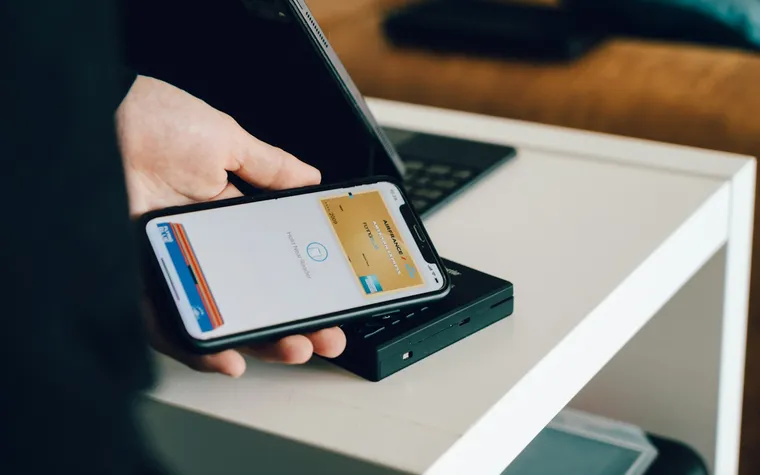
The same QR code can also appear on a badge, a trade show roll-up banner, a shop window or a quote signature. And on a phone, it can be presented from an Apple Wallet or Google Wallet card.
Test before printing
Before launching a print run:
- Print a proof at actual size.
- Scan it with at least one iPhone and one Android phone.
- Test in low light and at a normal conversation distance.
- Check the landing page on mobile: display, button to save the contact, links.
The QR code with Profiles Flow
In Profiles Flow, each employee has a profile page whose address never changes. The “Profile page” tab of their profile offers the Download the QR code button, ready to be placed on a paper card, a badge or signage. Since the page is updated every time the profile is saved, a printed QR code stays valid even if the job title or number changes.
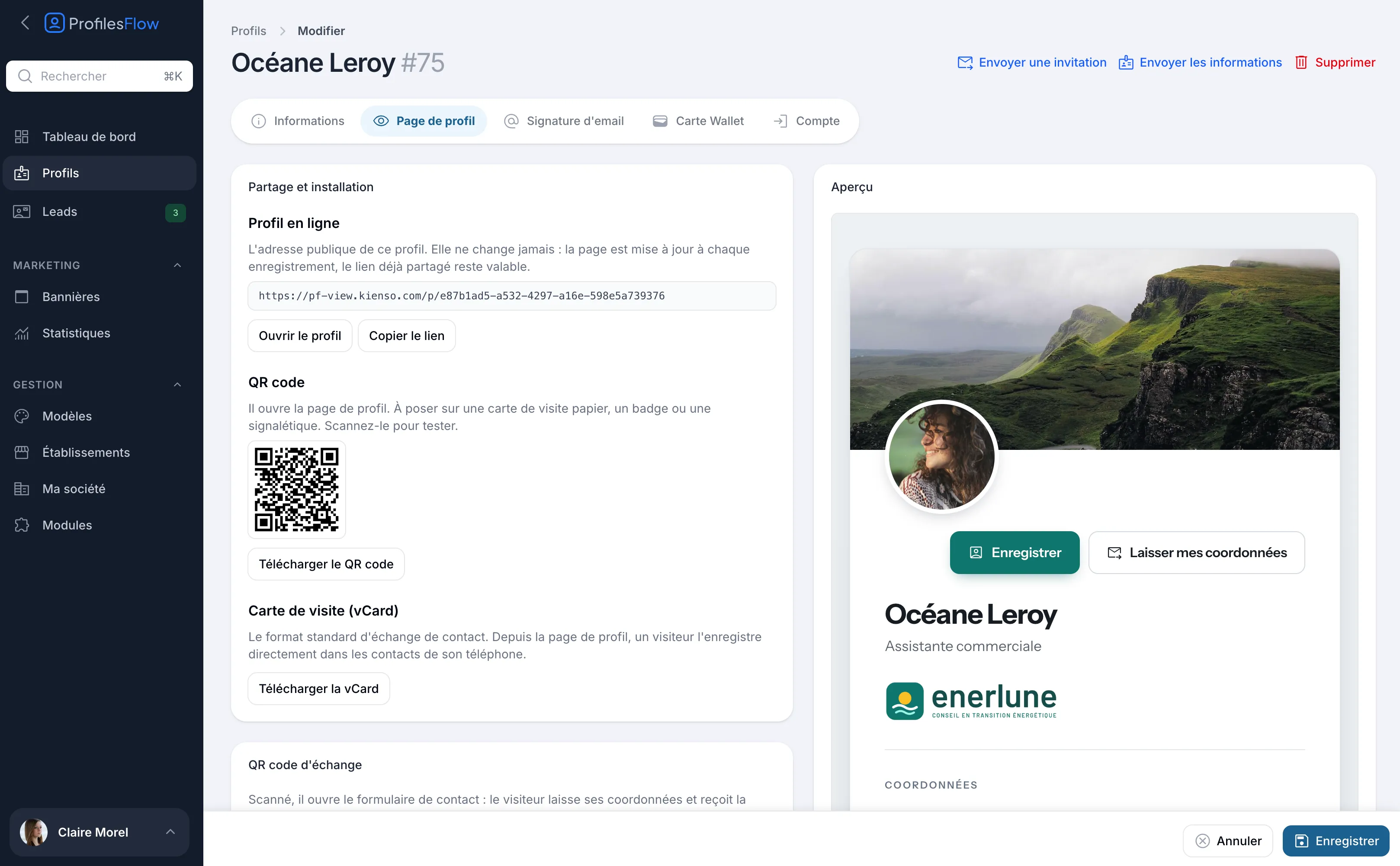
When scanned, the page opens with the “Save” button, which adds the vCard to the phone's contacts, on iPhone as on Android. On a computer, the page shows a “Save to your phone” QR code beside it.
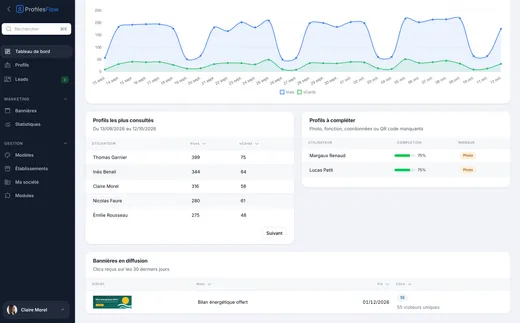
The profile also offers an exchange QR code: when scanned, it opens a form where the visitor leaves their contact details and receives the employee's vCard in return. These contact details arrive in the leads, with the consent stored. The views of each profile and the vCards downloaded appear in the analytics, measured without cookies. More details on the profile page page.
Frequently asked questions
What is the minimum size for a QR code on a business card?
At least 2 cm (about 0.8 in) per side is generally recommended, with a white margin around it. Always test a printed proof before launching the print run.
Is a vCard QR code or a QR code pointing to a page better?
A QR code pointing to a profile page, in most cases: it stays simple and readable, and the content can be updated without reprinting. An encoded vCard can no longer be changed once printed.
Can a QR code expire?
The code itself doesn't expire. However, the address it points to can stop working, particularly with some so-called dynamic generators when a subscription ends.
Can you put a logo in the center of a QR code?
Yes, thanks to error correction, provided you choose a high level and keep the logo small. Test the code with several phones before printing.
Want to download the QR code of your own profile? Profiles Flow offers a 30-day free trial, no credit card required.