
Every email your team sends becomes a communication channel
Your employees send hundreds of emails a week. A banner under their signature puts your news in front of every recipient: a trade show, an offer, a job opening, a new service. You create it once, and the whole team spreads it.
One campaign, everywhere at once
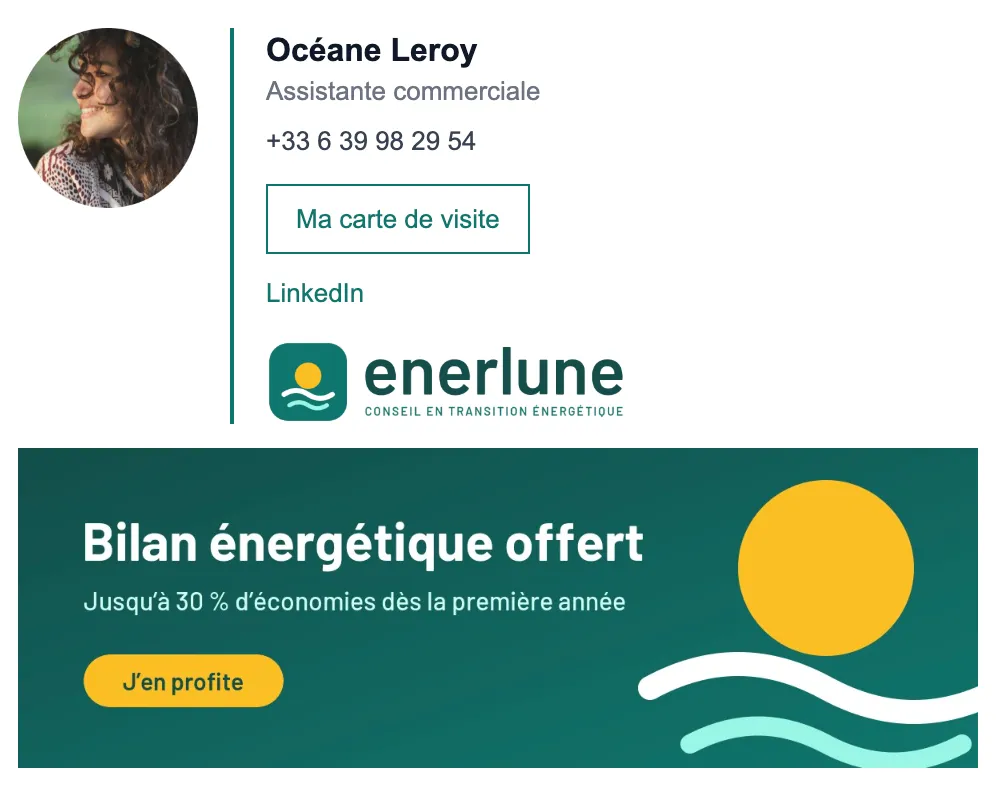
The current banner is shown:
Under the email signature
Of every employee in the company.
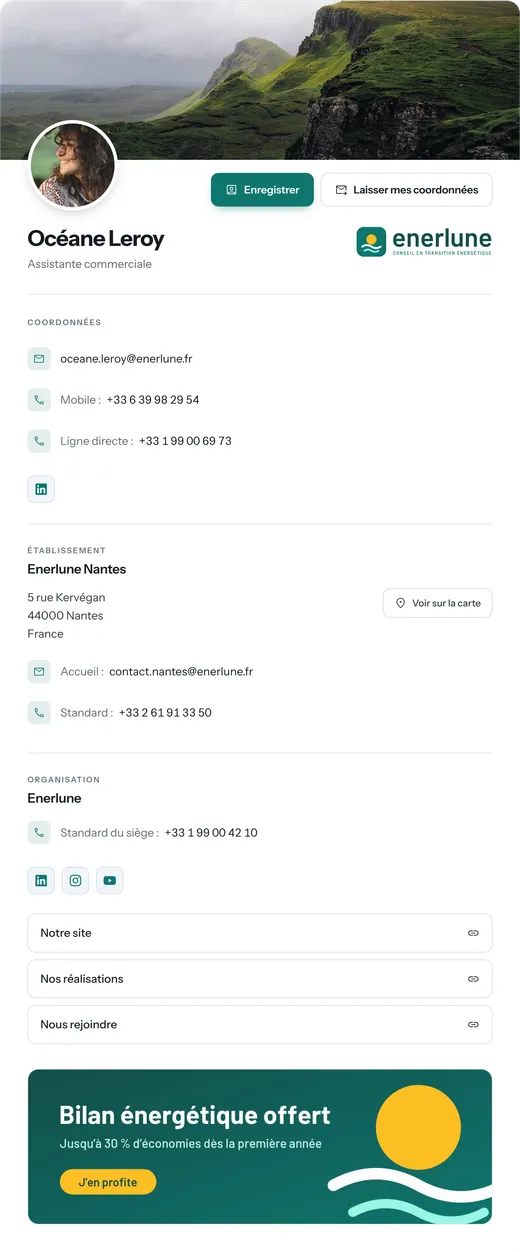
At the bottom of every profile page
Seen by people who scan a QR code or click “My business card”.
Switching campaigns means changing the banner in one place. Signatures don't need to be reinstalled: the image is served by Profiles Flow and updates itself.
Schedule your campaigns in advance
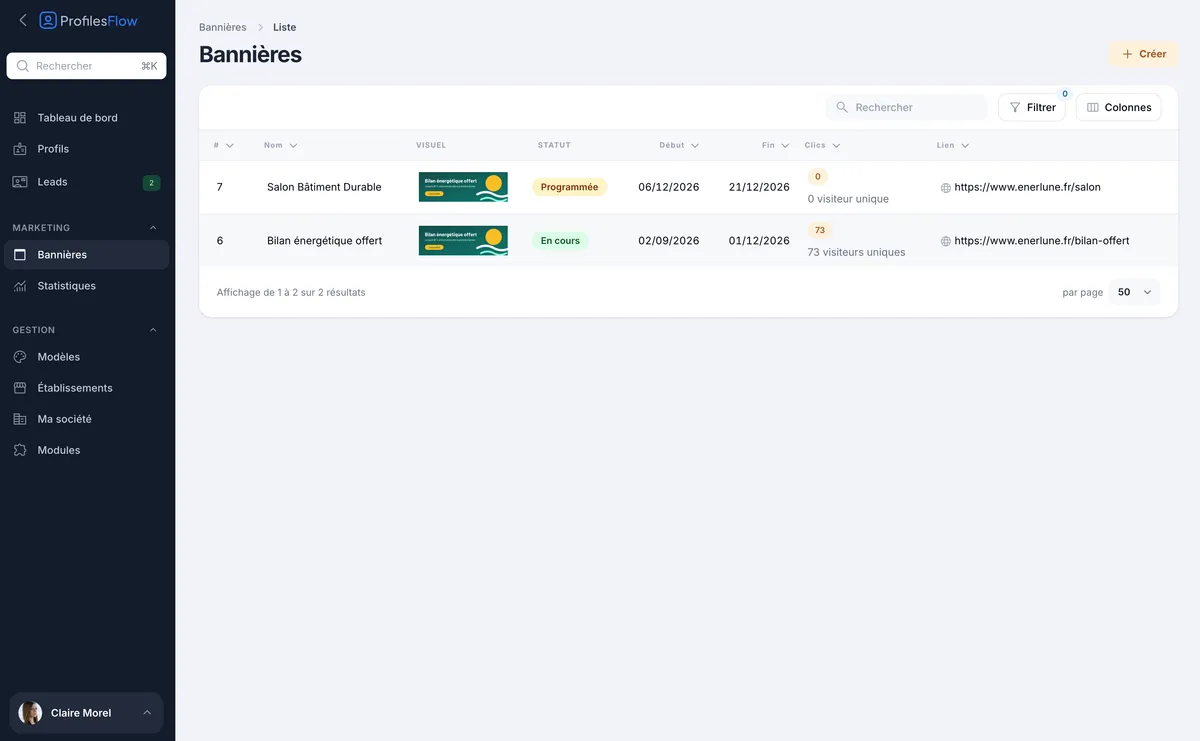
Each banner has a start date and an end date. Prepare the banner for the next trade show today: it stays “Scheduled” until the big day, switches to “Running”, then disappears on its own on the end date. No more banners for expired offers lingering in emails.
Measure the impact
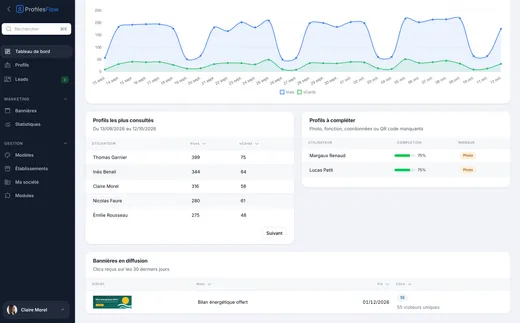
Every click on the banner, from a signature or a profile page, is counted. You see the number of clicks and unique visitors for each campaign, in the banner list and on the dashboard. Counting is cookie-free.
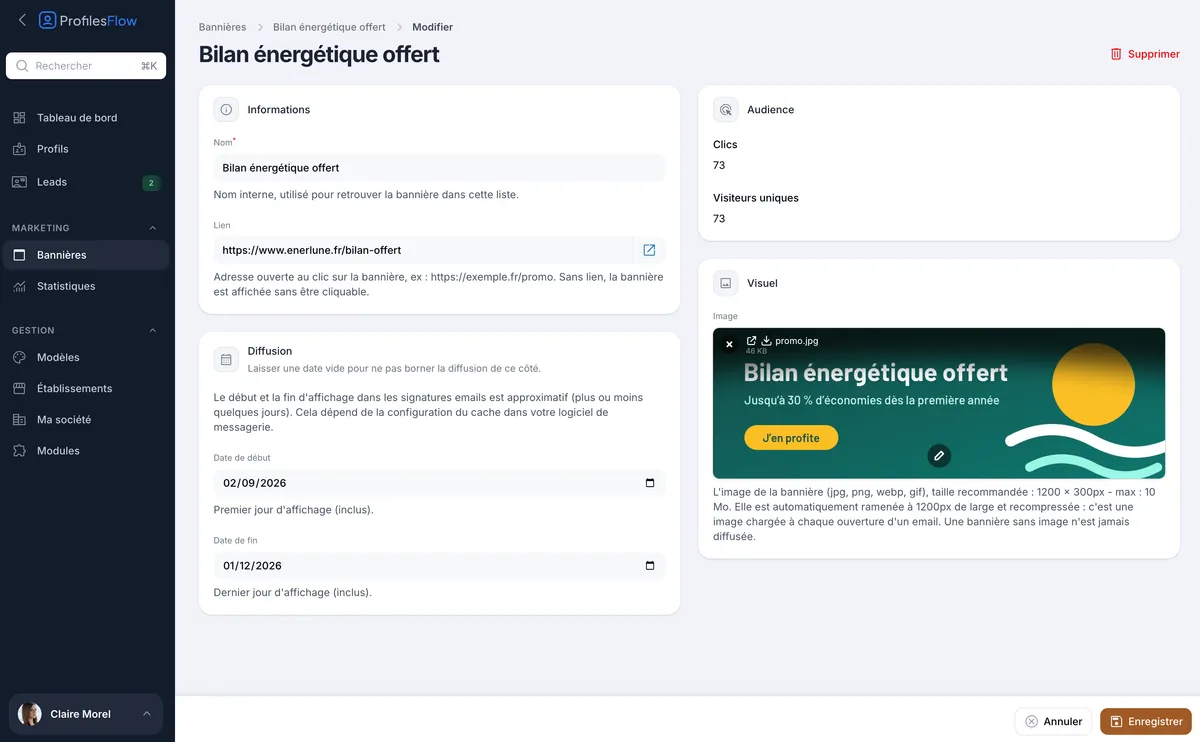
Easy to prepare
An image
In 1200 × 300 px format (JPG, PNG, WebP or GIF), which Profiles Flow resizes and compresses so it stays light in emails.
A link
To the page of your choice: sign-up page, offer, article, form.
Two dates
A start date and an end date, or none for a permanent banner.
Frequently asked questions
How many banners can I create?
As many as you like. Only one runs at any given time: if two periods overlap, the most recently started campaign is shown. You can keep a permanent banner that gives way to your dated campaigns for as long as they last.
Does the banner also change in emails already sent?
In most email clients, the image is reloaded when the email is opened: an old message can therefore show the current banner. Gmail is the exception: it keeps a copy of the image from when the email was sent.
Is the start date accurate to the day?
On profile pages, yes. In signatures, the display may lag by a few days depending on the recipient's email client cache: allow a small margin for an offer tied to a precise date.
Is the banner mandatory?
No. With no running banner, signatures and pages are simply displayed without one.