
The business card that never stays at the office
Each employee adds their business card to their phone's wallet: Apple Wallet on iPhone or Google Wallet on Android. It comes out in one gesture, and the other person just scans the QR code.

Always on hand, with no app
Nothing to install
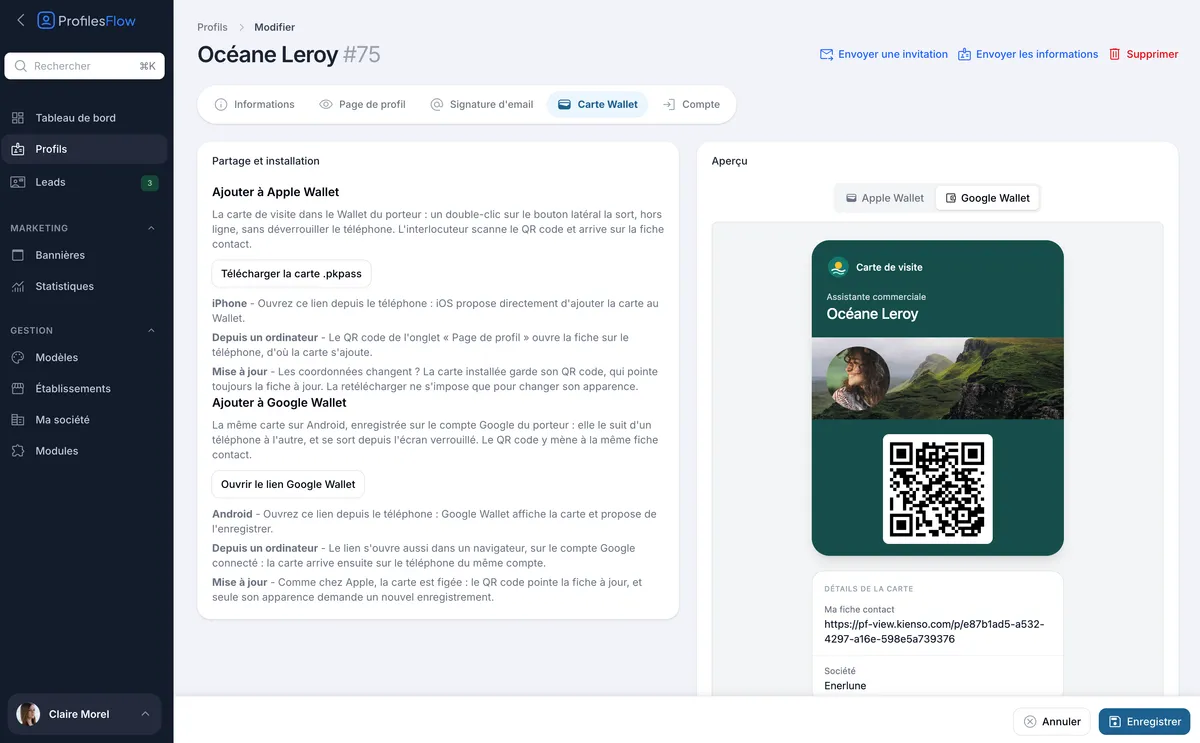
Apple Wallet and Google Wallet are already on phones. The employee opens the link received by email, and the phone offers to add the card.
One gesture away
On iPhone, a double-click on the side button brings up the card without unlocking the phone. On Android, it opens from the lock screen.
Zero printing
No cards to print, store or throw away when a number or a job title changes.
No more forgotten cards
No need to carry a box of paper cards in your pocket, or to order one for every new hire.
Track adoption
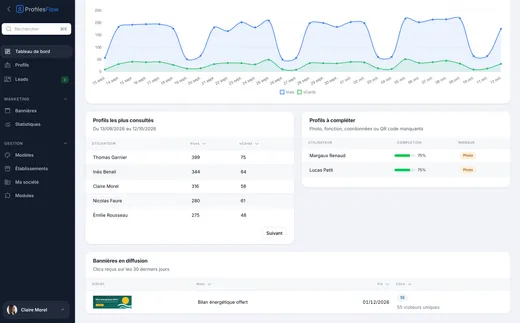
Analytics show how many cards have been added to the Wallet and how many employees are equipped, across all your active profiles.
Presented in one scan
The employee shows their card, the other person scans the QR code with their phone camera and lands directly on the contact card to save. Depending on your choice, the QR code leads to the contact card (vCard), to get straight to the point, or to the profile page, which also shows links, social networks and the current banner.
Updated remotely
The card's QR code always points to the employee's up-to-date information. New number or new job title? Their profile is edited in Profiles Flow, and whoever scans their card gets the right contact details, without the card needing to be reinstalled. Only a change in the card's appearance (new colors, new logo) requires adding it again.
In your colors, on Apple and Google alike
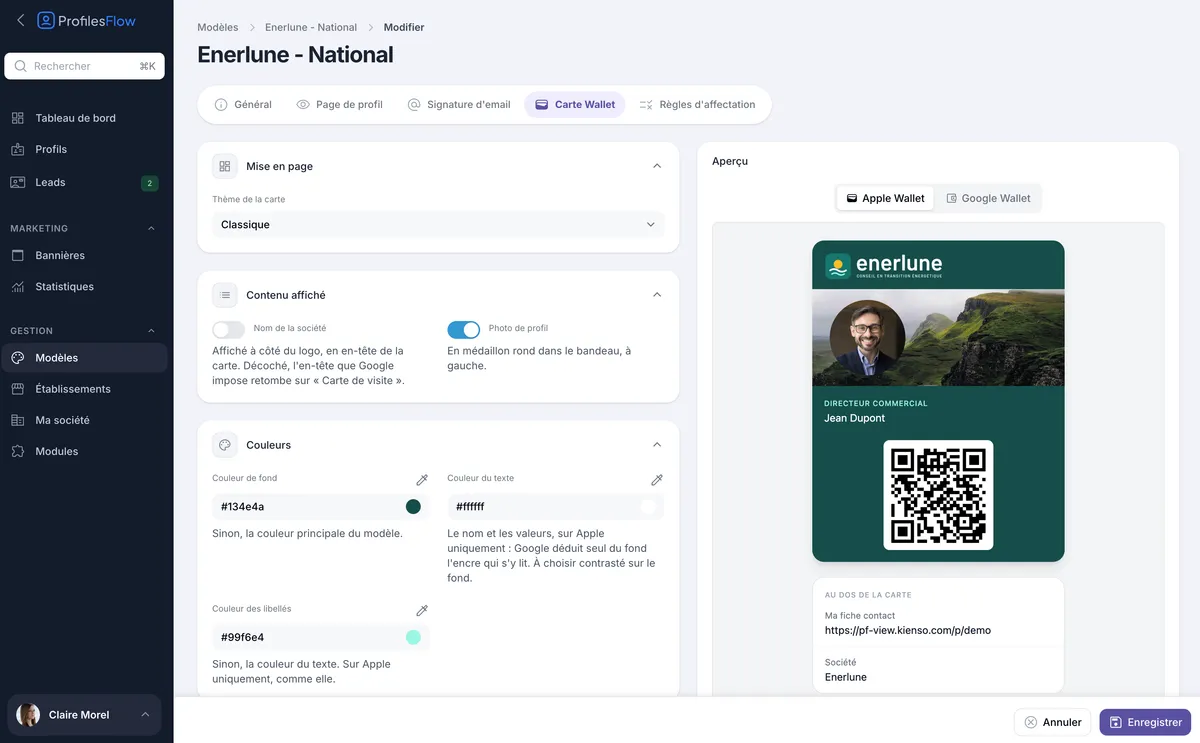
The card's appearance is set in the template, with a preview for each platform:
- your logo in the header, with the company name next to it if you wish;
- the employee's photo in a round frame, on your banner image;
- your colors for the background, text and labels;
- on the back of the card, the link to the contact card and the company name.
Distributed in one click
From the interface, a button sends each employee an email with their card to add, their profile page and their signature. They open this email on their phone and add their card in one tap. On Android, they can even add it from a computer: it arrives on the phone linked to the same Google account.
Frequently asked questions
Do you need a recent iPhone or a specific phone?
All you need is an iPhone with Apple Wallet or an Android phone with Google Wallet, both installed by default on the vast majority of phones.
Does the other person need an app?
No. They scan the QR code with their phone camera, like any other QR code.
Does the card work with NFC?
No. Sharing is done by QR code, which works with every phone without any special setting.
What happens to the card when an employee leaves the company?
You deactivate their profile: the page the QR code leads to is no longer published, so the card no longer gives access to their contact details.
Do Apple and Google have access to the data?
The card itself necessarily goes through Apple or Google, since it is stored in their wallet: it contains what is displayed on it (name, job title, photo, logo, profile link). The rest of the data stays in Profiles Flow. Apple and Google are on our list of subprocessors.
Other features
See the product overview ›Give your team a card that's always in their pocket
30 days free, no credit card.