Digital or paper business card: which one to choose?
The paper business card hasn't disappeared, but it is no longer alone. Profile pages, Wallet cards, QR codes: the digital business card is changing the way people exchange contact details. Here is an unbiased comparison to decide what suits your team.
Should you still print business cards? The question comes up with every new employee, every logo change, every trade show. On one hand, paper remains an expected gesture in many professions. On the other, a digital business card never runs out and updates in a few seconds.
In reality, the right answer is rarely “one or the other”. But to combine the two well, you need to know what each does well.
What is meant by a digital business card
The term covers several formats, often complementary:
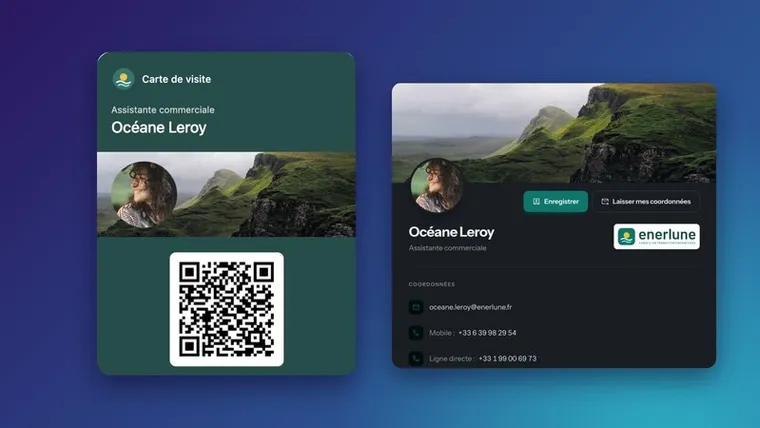
- The profile page: a web page in your name, viewable on mobile, with your clickable contact details, your links and a button to save the contact. It is the heart of the digital business card.
- The vCard: a small standard file (.vcf) that adds your contact details to a phone's address book in one tap.
- The QR code: it opens the profile page or the vCard. It can be printed anywhere, including on a paper card.
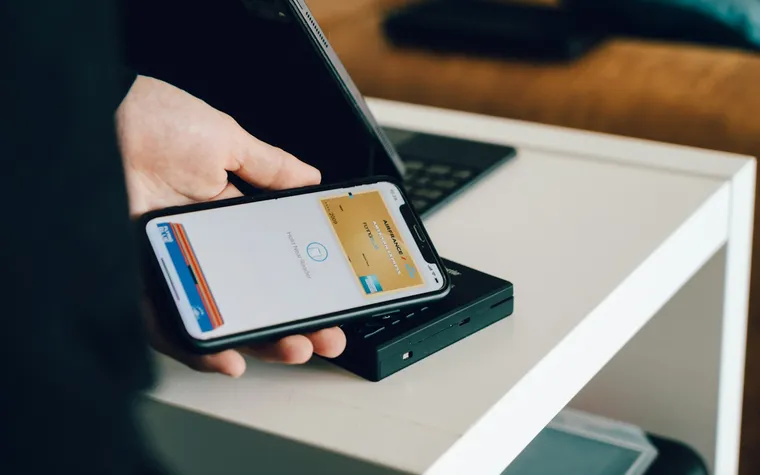
- The Wallet card: a card in Apple Wallet or Google Wallet, which you show on screen to have it scanned.
- Smartphone features: on iPhone, for example, NameDrop lets you exchange contacts by bringing two devices close together, but only between Apple devices.
Point-by-point comparison
| Criterion | Paper card | Digital card |
|---|---|---|
| Updates | Full reprint | Immediate, with nothing to redistribute if the link doesn't change |
| Stock | Can run out at the wrong moment | Always available on the phone |
| Saving the contact | Manual re-entry by the other person | One tap: vCard in contacts |
| Content | Limited by the 85 × 55 mm format | Links, social networks, clickable address, news |
| Impression made | Strong, especially with fine paper | Depends on the quality of the page |
| Measurement | None | Measurable views and saves |
| Dependency | None | A charged phone, a connection for the page |
What paper does better
Paper remains unbeatable on one point: the gesture. In some business cultures and professions (crafts, luxury, liberal professions, exchanges with people who are not comfortable with mobile), handing over a card is a sign of seriousness. It never runs out of battery and doesn't depend on any network.
What digital does better
The digital card wins on everything to do with longevity and use:
- a change of job title, number or address doesn't make a printed stock obsolete;
- the other person saves your contact details without copying them, so without typos;
- you can include more useful information: appointment booking, website, social networks, directions;
- the company knows whether its cards are viewed.
The right compromise: paper with a QR code
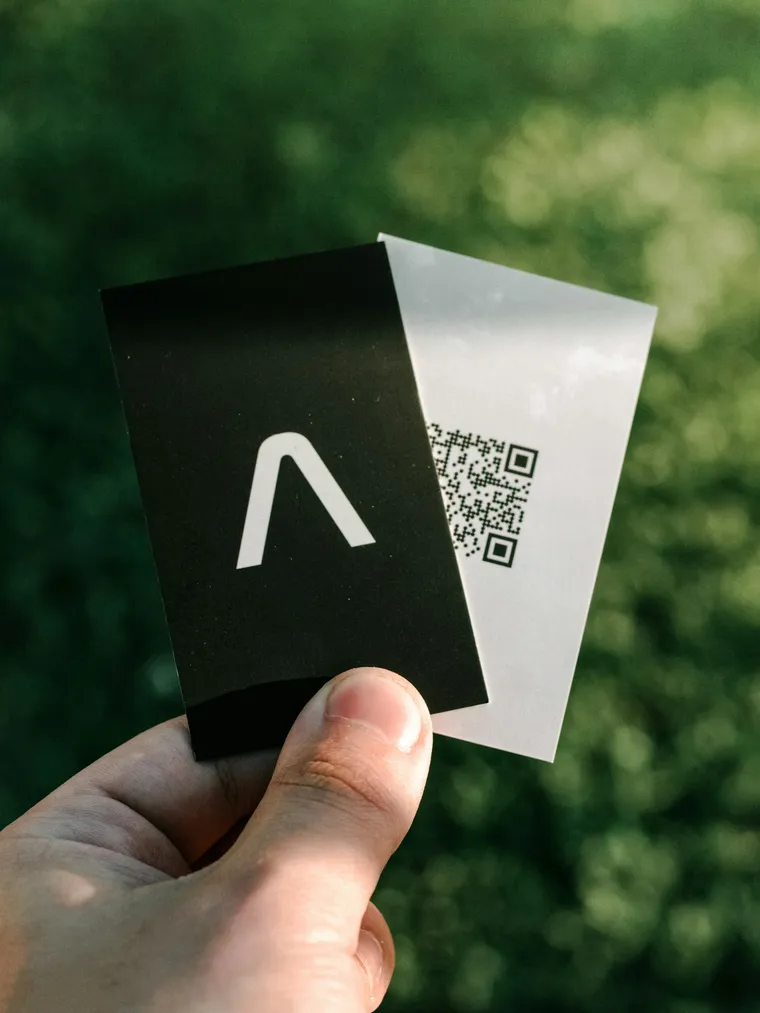
For many companies, the most effective solution combines the two: a simple paper card, printed in small quantities, with a QR code that opens the digital business card. Paper keeps its role as a gesture, digital takes care of saving and updating.
One condition: the QR code must point to an address that never changes. Otherwise, every change of tool or link makes the printed cards unusable. All our advice on size, contrast and placement is in QR codes on business cards.
How to decide for your team
Ask yourself three questions:
- Where do your meetings take place? Trade shows, customer meetings, video calls: the more people you meet quickly, the more time digital saves.
- How often does your information change? Hires, internal moves, office relocations: every change costs a reprint on paper.
- Who manages the cards? If the office manager orders every batch, centralized management of digital cards significantly lightens their workload.
In most SMBs, the answer ends up like this: a digital card for everyone, a paper card with a QR code for the roles that meet many customers in person.
Common mistakes
- Printing a QR code that points to a temporary link: the day the link changes, all the cards become wrong.
- A profile page that is unreadable on mobile: the other person will almost always open it on a phone.
- Forgetting to let people save the contact: a nice page without a “Save” button forces people to copy the contact details, which defeats the purpose.
- Managing each card by hand: beyond a few people, without a central tool, digital cards degrade as quickly as email signatures.
The digital business card with Profiles Flow
For each employee, Profiles Flow creates a profile page from their profile: photo, name, job title, logo, clickable contact details, establishment with “View on map”, social networks, links. Two buttons appear on it: “Save”, which adds the vCard to the phone's contacts (iPhone and Android), and “Leave my details”, which lets the visitor send theirs.
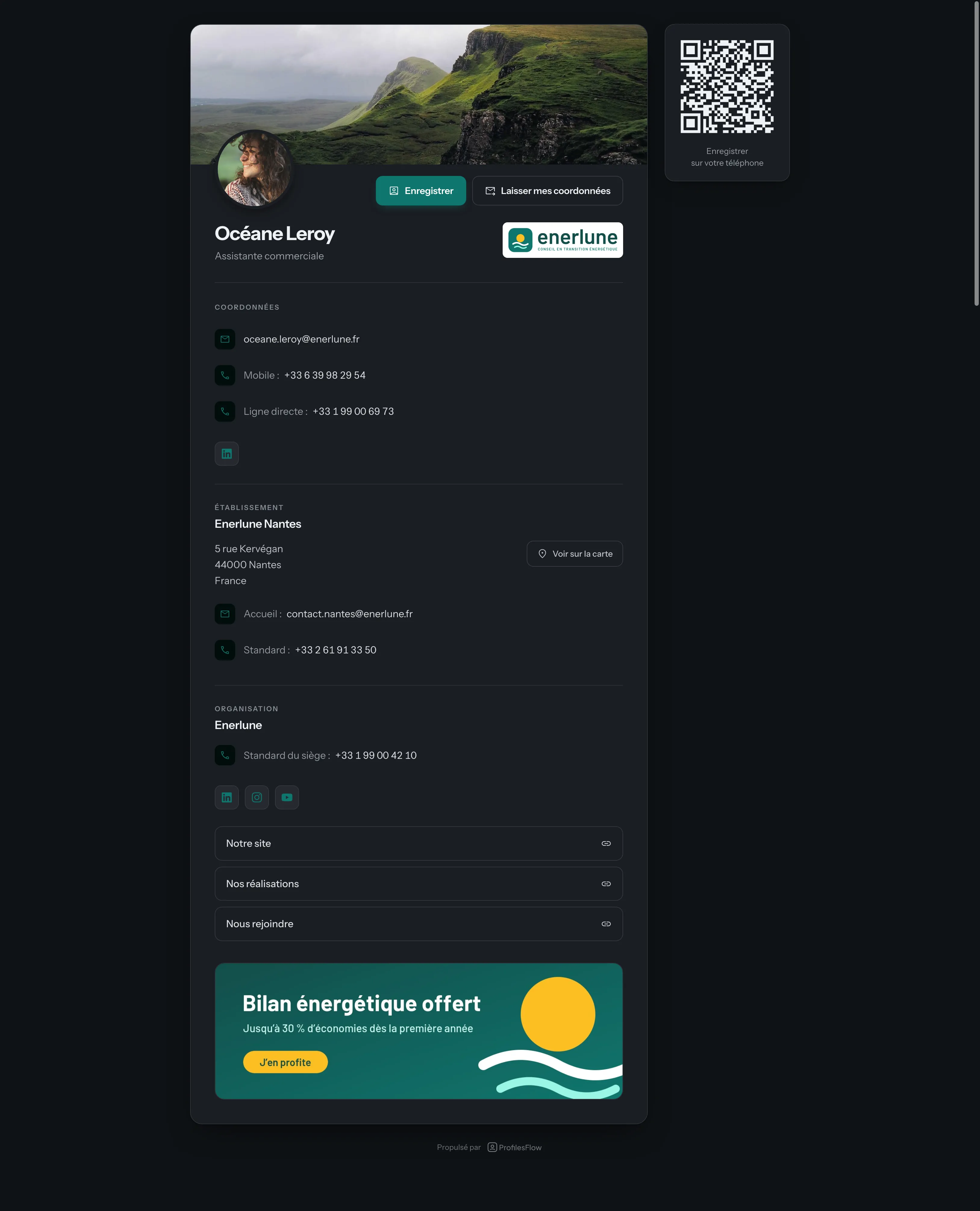
The page's address never changes. The QR code downloadable from the profile can therefore be printed on your paper card, a badge or a roll-up banner: it stays valid even if the job title or number changes. The same profile also feeds the email signature and the Wallet card.
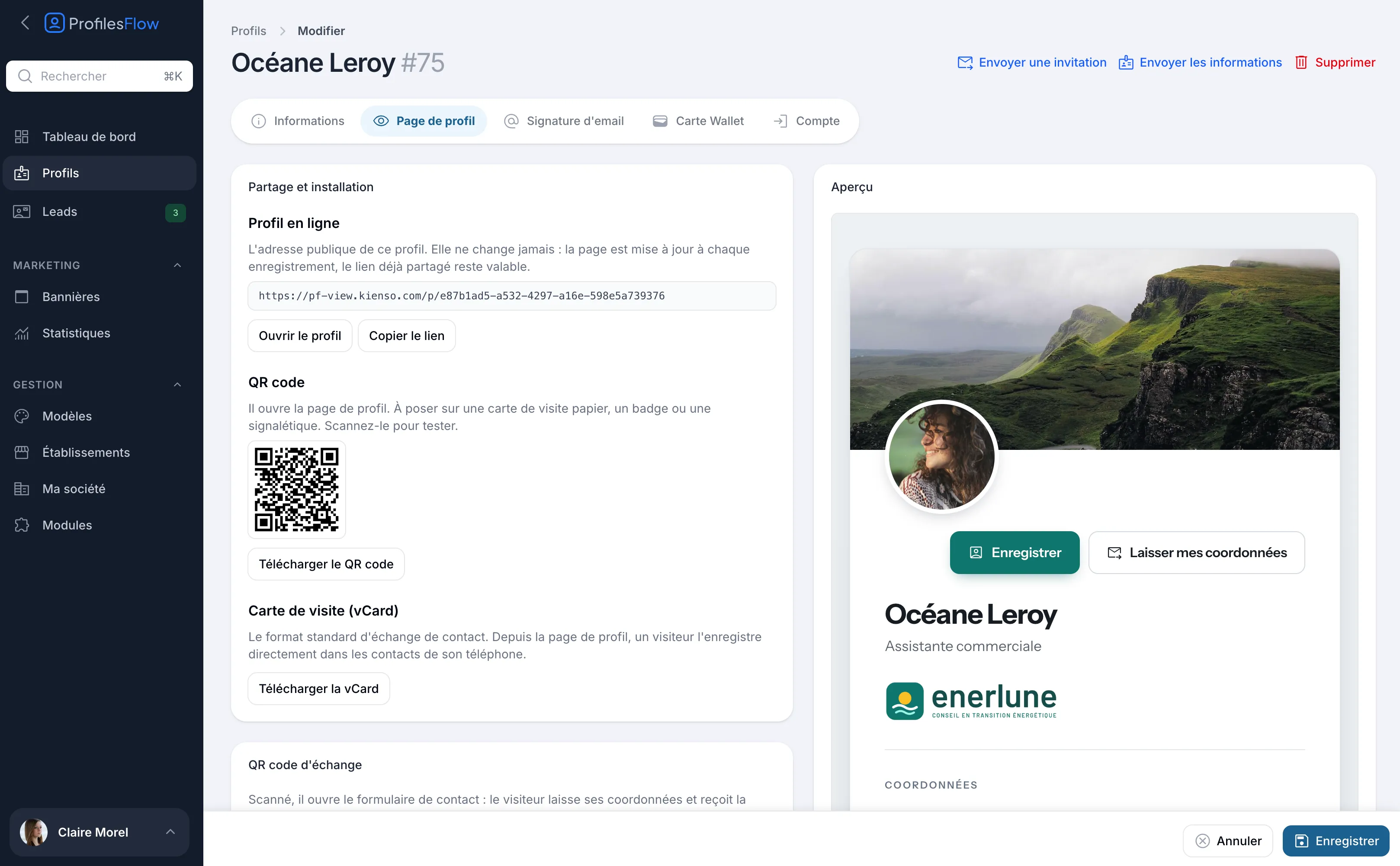
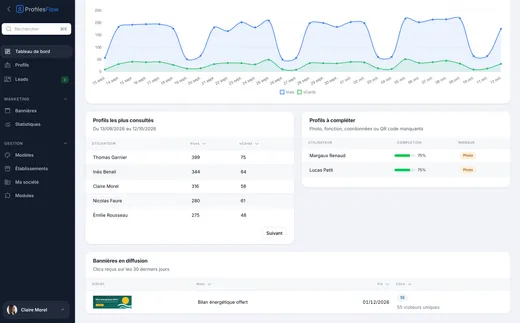
Analytics show the views of each profile and the vCards downloaded, measured without cookies. More details on the profile page page.
Frequently asked questions
Does a digital business card completely replace the paper card?
Not always. In many professions, paper is still expected. The most common combination is a paper card with a QR code that opens the digital card.
Does the other person need to install an app?
No. A profile page opens in the phone's browser, and the vCard saves directly to contacts, on iPhone as on Android.
What happens when an employee changes position?
With a digital card, you just update their information: the page is updated, and the link already shared stays valid. With paper, you have to reprint.
What happens to the digital card of an employee who leaves?
It must be disabled, like their email address. A centralized tool lets you do this without depending on the employee.
Want to see your own digital card? Profiles Flow offers a 30-day free trial, no credit card required.