
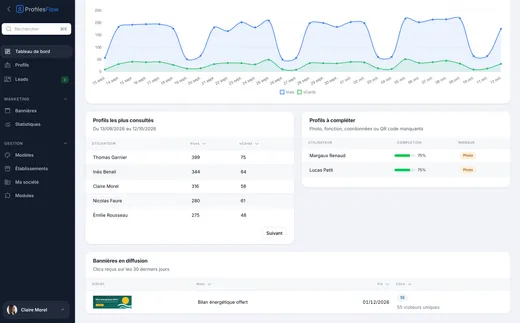
A digital business card for every employee
An online page for each person: photo, job title, contact details, office, useful links. It is shared by a link or a QR code, and the people you meet save the contact to their phone in one tap.
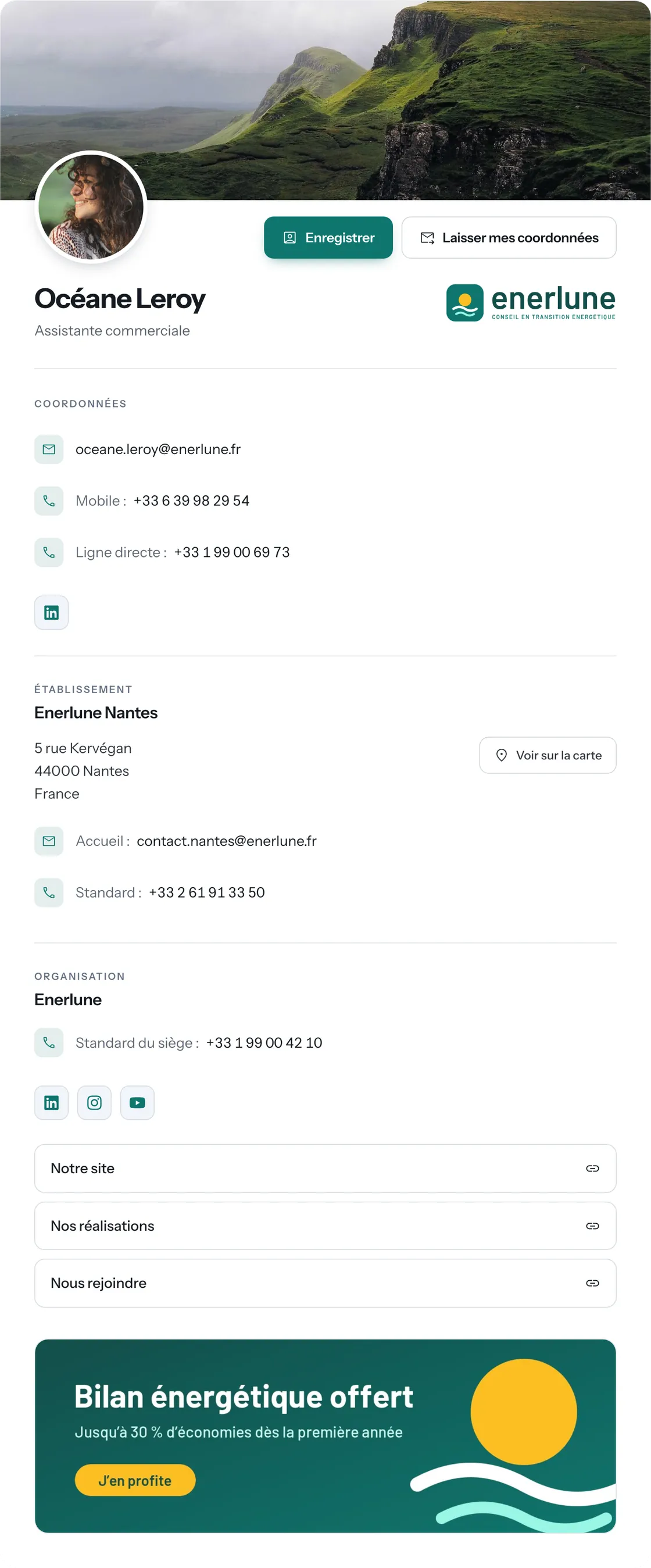
Everything needed to reach you, on a single page
Identity
Photo, name, job title, company logo, and a tagline if you wish.
Contact details
Clickable email and phone numbers, to write or call straight from the phone.
The establishment
The office address with a “View on map” button, its reception desk and switchboard.
The organization
The head office switchboard, the company social networks, your links (website, portfolio, careers).
Your current campaign
The running marketing banner is shown at the bottom of every page.
The establishment and company details are entered once and added automatically to every profile.
Save the contact in one tap
The Save button downloads the contact card (vCard): on iPhone as on Android, the phone immediately offers to add the contact, with name, job title, company, photo, numbers and email. No more cards to copy by hand.
On a computer, a QR code is displayed next to the page: scan it to save the contact to your phone.
Exchange contact details, both ways
The Leave my details button lets visitors send you theirs in return. And at a trade show, the exchange QR code goes further: the other person scans it, leaves their details and receives yours. Every request reaches your mailbox and the interface, with the consent kept on record.
Discover leads ›Measure what your cards bring in
How many times each page was viewed, how many contacts were saved, from which type of device. Analytics are measured without cookies: no banner to show your visitors.
Discover analytics ›A QR code that never expires
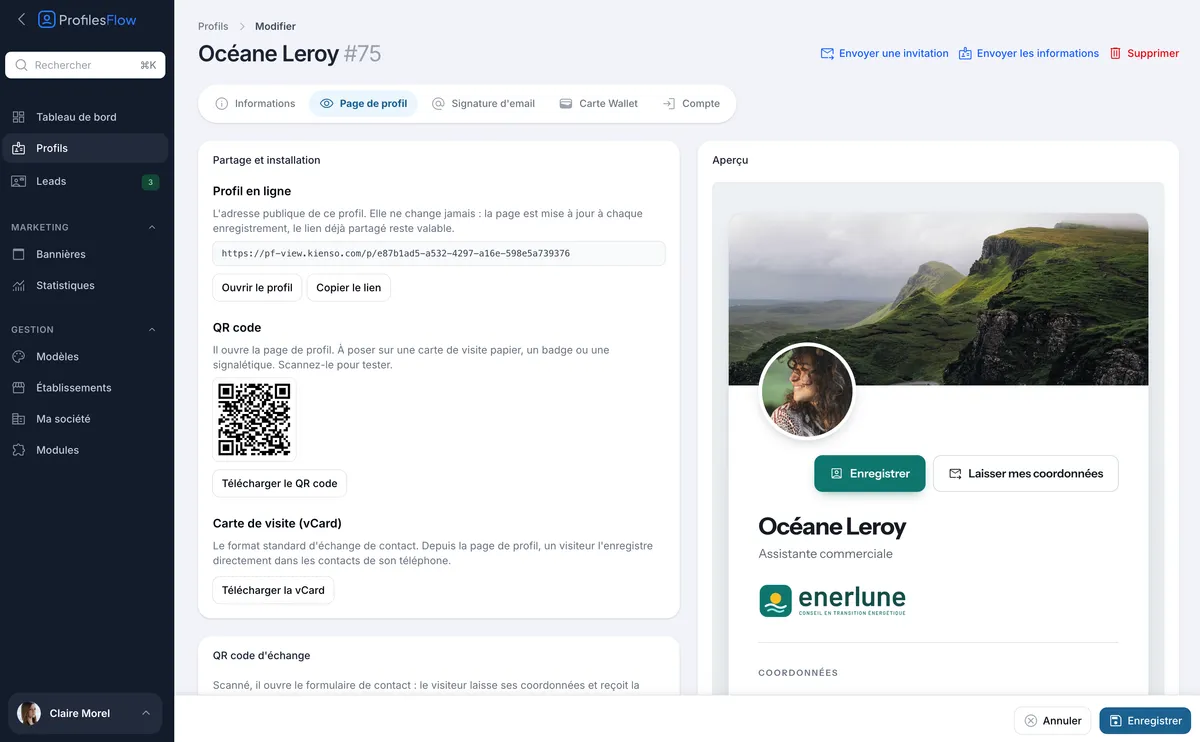
Every profile has its QR code, to download for a paper business card, a badge, a roll-up banner, a shop window or signage. The page address never changes: when the employee changes job title or number, the QR code already printed still leads to the up-to-date page.
In your colors
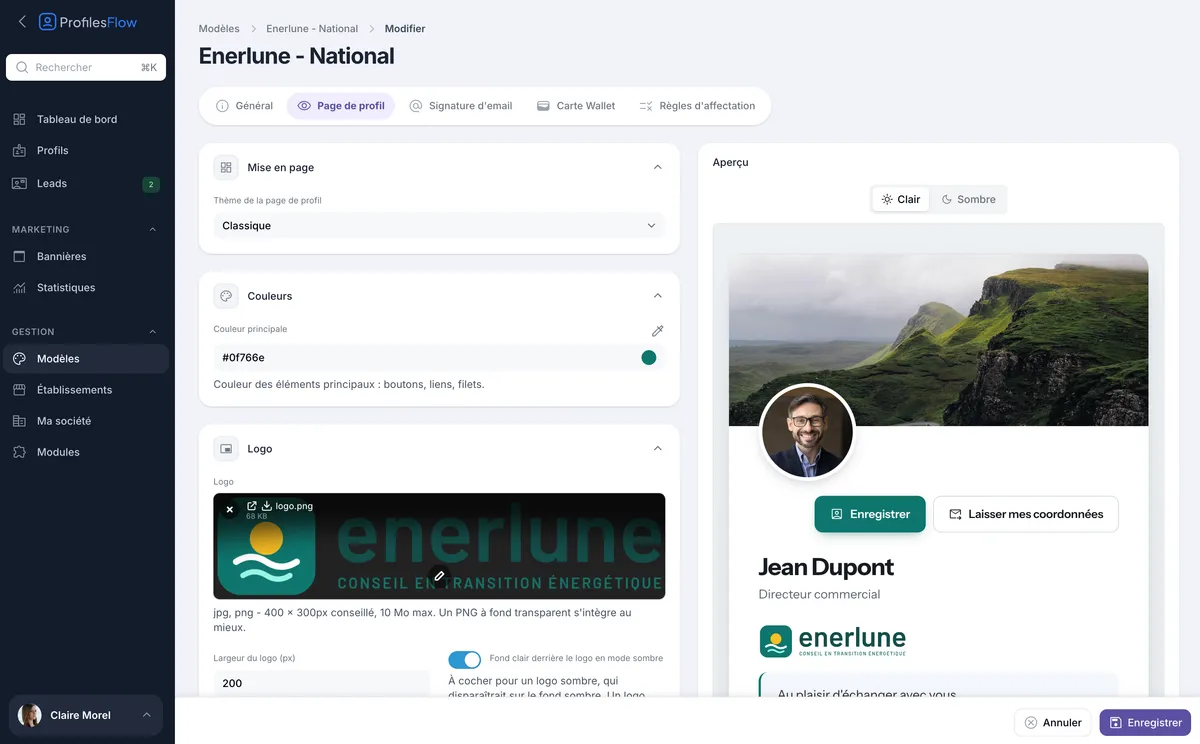
The page uses your identity, defined once in a template:
- four layout themes: Classic, Editorial, Social network and Vivid;
- your main color for buttons, links and dividers;
- your logo, with an automatic light background so that a dark logo stays readable;
- your header image.
The page adapts to the light or dark mode of your visitor's phone, and displays perfectly on mobile, tablet and computer.
Frequently asked questions
Do the people I meet need to install an app?
No. The page opens in the browser of any phone or computer, and the contact card is saved with the tools already built into iPhone and Android.
What happens when an employee changes job or number?
You edit their profile, and their page is updated immediately. The link and the QR code stay the same: nothing to reprint or resend.
And when an employee leaves the company?
You disable their profile: their page is no longer published and they no longer count towards your subscription.
Can I have different presentations for different offices?
Yes. Each profile shows the details of its establishment, and you can create several templates (for example one for head office, one for branches) with rules that decide who uses which.
Can I use the QR code on my existing paper cards?
Yes, it is actually the most common use: print the QR code on the back of your cards. They stay up to date forever, even if the details printed on the front change.