
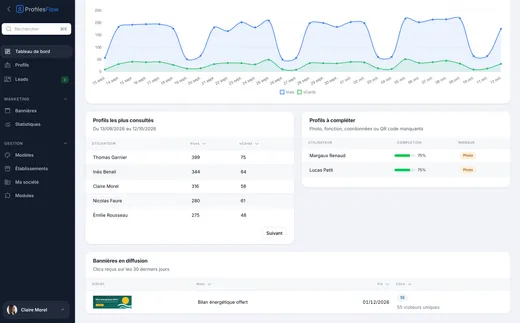
Profiles Flow plugs into your tools
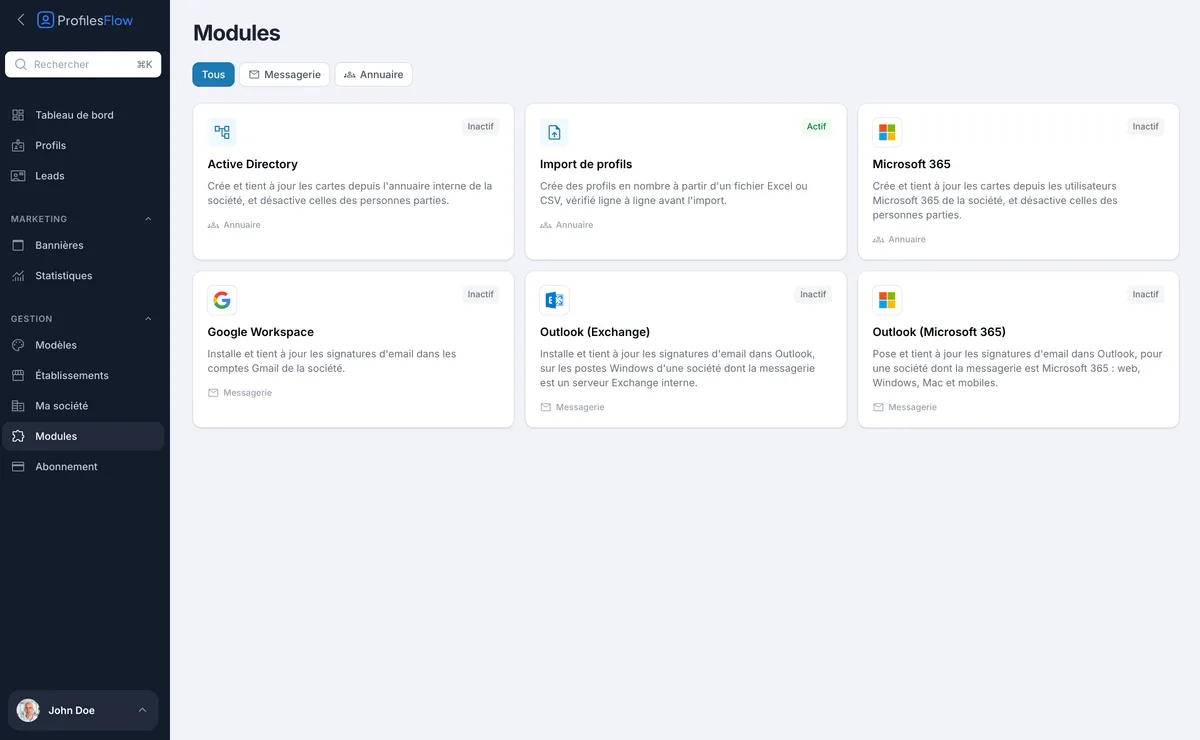
Your employees are already in your directory, and your emails go out from Gmail, Outlook or Microsoft 365. Profiles Flow modules rely on these tools to create profiles and install signatures for you. They are all included in the subscription, and an administrator turns them on in one click.
 Available
Google Workspace
Installs and keeps email signatures up to date in the company's Gmail accounts.
- A single authorization, given by your Google Workspace super administrator from a pre-filled screen: no password to share.
- Signatures are set again automatically as soon as a profile or a template changes.
- Send-as aliases can receive the same signature.
- No permission gives access to messages, and the authorization can be revoked at any time from the Google console.
 Available
Outlook (Exchange)
Installs and keeps signatures up to date in Outlook, on the Windows computers of a company whose email runs on an in-house Exchange server.
- A script provided, placed once by your Windows administrator in a group policy.
- At each sign-in, Outlook receives the up-to-date signature, set as default, including for replies and forwards if you wish.
- Compatible from Outlook 2010 to Outlook Microsoft 365 installed on the computer.
 Available
Outlook (Microsoft 365)
Sets and keeps email signatures up to date in Outlook, for a company whose email runs on Microsoft 365: web, Windows, Mac and mobile.
Manual installation
For any other email client (Apple Mail, hosted email), each employee copies their signature from their profile and pastes it into their email client, with the instructions shown alongside.
Directory
 Available
Active Directory
Creates and keeps profiles up to date from the company's internal directory, and deactivates those of people who have left.
- Sync every night, or on demand.
- You choose which directory attributes feed the profiles: name, job title, email, phone numbers, establishment.
- A read-only service account is enough: nothing is ever changed in your directory.
- A departure deactivates the card without deleting it; and if the directory returns nothing, nothing is deactivated.
- Also works with an OpenLDAP directory.
AvailableMicrosoft 365
Creates and keeps cards up to date from the company's Microsoft 365 users, and deactivates those of people who have left.
 Available
Excel and CSV import
Creates profiles in bulk from an Excel or CSV file, up to 1,000 rows per import.
- A sample file to download, or your own file: you map each column to the right field.
- Each row is checked before the import, and errors are flagged so they can be fixed.
- Templates apply automatically to new profiles, according to your rules.
Mobile wallets
Apple Wallet and Google Wallet
Each employee adds their business card to their phone’s wallet, with no app. Nothing to set up on your side.
Discover the Wallet card ›Missing an integration?
Tell us which tool you use: directory, email, CRM. The next modules are decided with our customers.
Frequently asked questions
Do modules cost extra?
No. All modules are included in the subscription, at the same price per active profile.
Who can turn on a module?
An administrator of your Profiles Flow account. Some steps are then carried out with your provider: the Google authorization by your Google Workspace super administrator, the Outlook script by your Windows administrator, opening the directory by the person who manages it. Each module’s page explains what to send to whom.
Can several modules be combined?
Yes. For example, Active Directory to create and update profiles, and Google Workspace to install signatures.
What happens if I turn off a module?
It stops acting, but its settings are kept: you can turn it back on later without reconfiguring everything.
Other features
See the product overview ›Try the modules in your own environment
30 days free, all modules included, no credit card.